Add your photos...
...the app finds a unique arrangement
...and your collage is ready!
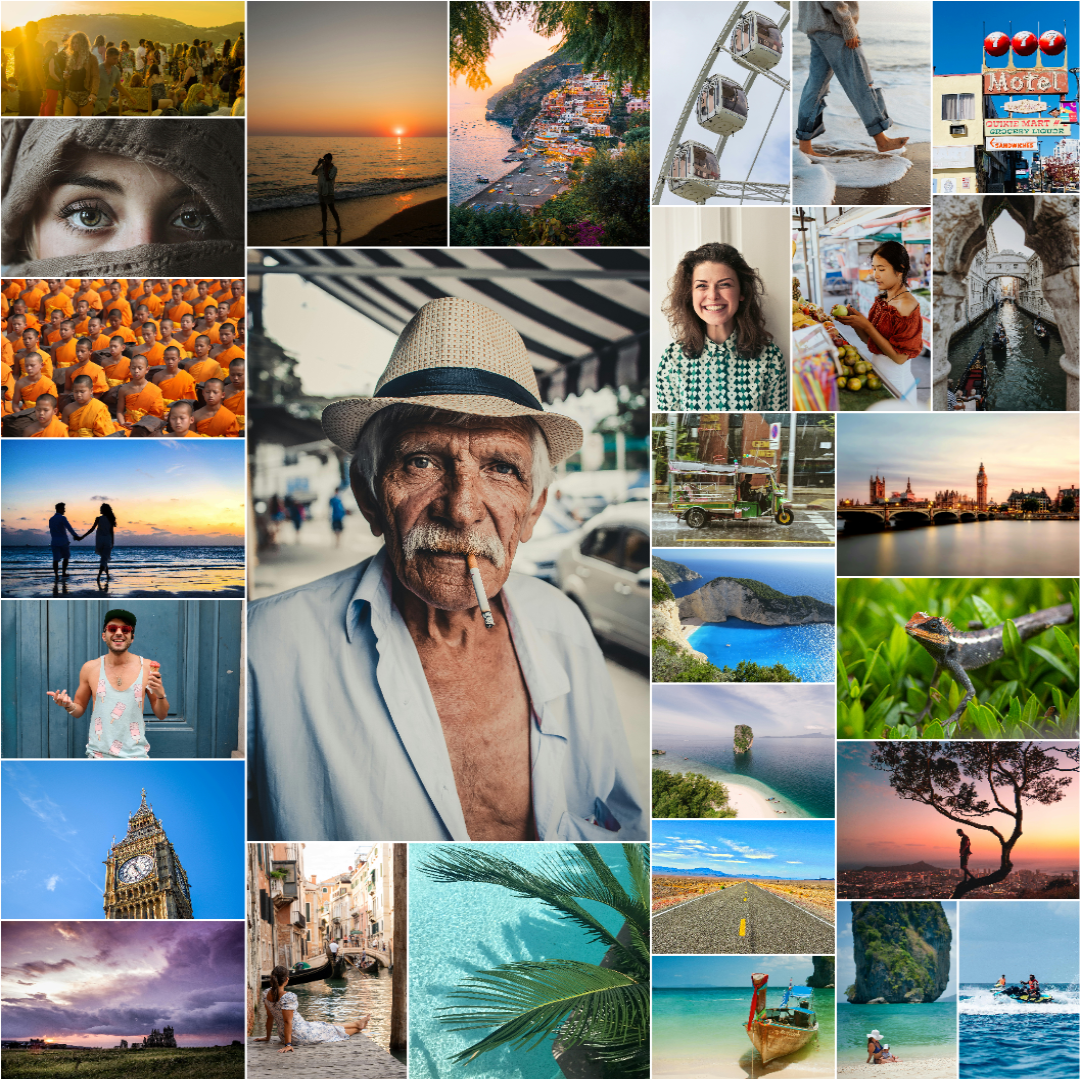
Turn your images into a print-ready collage — all in your browser.
Your photos stay on your device. The layout engine runs in your browser, no uploads and no account needed. Add a few photos or a whole trip's worth (up to 300) and the algorithm finds an arrangement that fills the canvas without gaps. No fixed template, so every result looks different. Export at 300 DPI for print or sized for social media.
Four simple steps
Add your images
Drag and drop your images onto the drop zone, or browse to select. Supports JPEG, PNG, and WebP up to 50 MB each. For the best composition, we recommend using 20 or more images. Tap any image to crop it or set a weight (×2, ×3, or ×5) to make it stand out.
Pick a format
Choose a print size (30×40 cm, A3, 50×70 cm…) or a screen format: Full HD, 4K, or a ready-to-post social size like a square post, a 9:16 story, or a banner. For print, the tool suggests a resolution that hits 300 DPI at your chosen size; for social, it matches each platform's exact pixel dimensions. You can always override it.
Create collage
Hit Create collage. The layout is generated entirely on your device, nothing is uploaded. Each run finds a different arrangement, so hit Regenerate any time until you're happy with the result.
Export
Head to Export, pick a quality tier, and download as PNG or JPEG. Everything happens locally, so the save is instant.
Good to know before you start
20+ images works best
With only a handful of images the layout can't always avoid gaps around the edges. More images give the algorithm more combinations to work with and a better chance of filling the collage completely.
Each run finds a different layout
Each run explores a different set of candidate arrangements, so results vary. If the first result has gaps, try again. If it keeps falling short, the format or image count is the limiting factor.
Download as PNG or JPEG
Save a lossless PNG, or a smaller JPEG at a quality you control. You choose the pixel dimensions and the tool tells you the resulting DPI at your selected print size. Resolutions up to 16 000 × 16 000 px are supported on desktop. On phones and tablets, images are capped at 150 and processed at up to 1000 px to fit device memory, so for larger sets or full print resolution use a desktop browser.
Common questions
Will my images be uploaded to a server?
How many images do I need?
Can I control how the collage looks?
How do I save the result?
Can I make a collage for social media?
How long does it take to create a collage?
Ready to try it?
Drop in your images and have a finished collage in under a minute. Free to use, no sign-up, no install.
Make your collage now